Best AI Video Prompts for Sora and Veo in 2026: The Complete Filmmaker's Playbook
The exact AI video prompt formulas, camera language, and shot-by-shot workflows top creators use to produce cinematic Sora and Veo clips that actually look like real filmmaking.
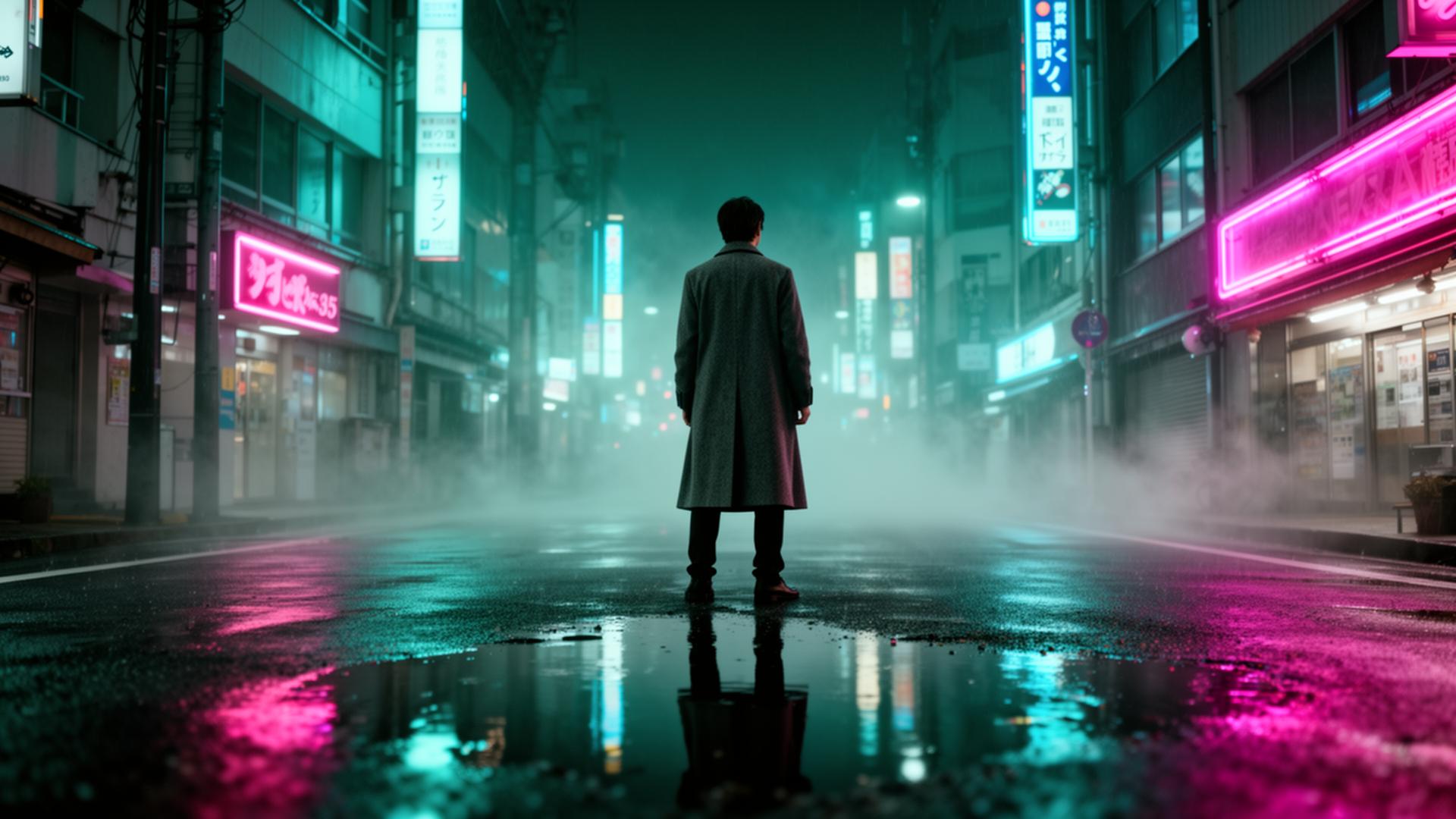
Table of contents
- Why AI video prompts are completely different from image prompts
- The three jobs every video prompt has to do at once
- The universal AI video prompt formula
- Copy-paste base template
- Camera language that Sora and Veo actually understand
- Shot types worth memorizing
- Camera moves that actually render cleanly
- Lens language is free quality
- A full shot-by-shot workflow used by AI filmmakers
- Step 1 — Write a one-sentence logline
- Step 2 — Storyboard 4 to 8 shots in plain text
- Step 3 — Lock the "world bible"
- Step 4 — Generate every shot with world bible + shot-specific line
- Step 5 — Cut in a real editor
- Three complete prompts you can steal today
- Prompt 1 — Cinematic urban night (Sora 2)
- Prompt 2 — Realistic product hero (Veo 3)
- Prompt 3 — Sweeping nature drone (Runway Gen-4)
- Sora vs Veo vs Runway vs Kling — when to use which
- Common mistakes that kill AI video prompts
- Pro tips most tutorials miss
- Use cases that are quietly making money in 2026
- Tools and references worth bookmarking
- Conclusion: prompts are the new lens choice
If you have spent more than ten minutes inside Sora 2, Veo 3, Runway Gen-4 or Kling 2.0 in the last few weeks, you already know the truth nobody on YouTube wants to admit: the model is rarely the bottleneck. The prompt is. Two creators can sit at the exact same tool, type for the same ninety seconds, and walk away with completely different results. One ends up with a slick anamorphic clip that looks like an A24 trailer. The other ends up with a wobbling, melting cousin of the same idea.
This guide is the long-form, no-fluff playbook for writing AI video prompts that actually behave like cinematography in 2026. We will cover the prompt skeleton that survives across every major model, the camera and motion language Sora and Veo were quietly tuned on, the shot-by-shot workflow professional AI filmmakers use to assemble full sequences, the pitfalls that ruin 90% of clips, and a stack of copy-paste prompts you can adapt this afternoon.
If you would rather skip the theory and just generate, our free AI Prompt Generator will translate a single sentence into a structured, model-ready video prompt that follows everything below.
Why AI video prompts are completely different from image prompts
A still image is one frozen decision. A video clip is thousands of decisions per second — subject continuity, camera motion, lighting evolution, physics, edge cases at every frame. Every video model in 2026 is a giant probability machine trying to predict what the next frame should look like given everything you wrote in the prompt. The more decisions you make for it, the less it improvises (badly).
That is the single most important mental shift. With Midjourney, vagueness sometimes produces happy accidents. With Sora and Veo, vagueness produces melting hands, teleporting backpacks and impossible reflections. Be specific or be punished.
The three jobs every video prompt has to do at once
- Lock the subject — what or who is on screen, in enough detail that the model can keep it consistent across 80+ frames.
- Lock the camera — where the camera is, what lens it has on, and exactly how it moves during the shot.
- Lock the world — lighting, weather, time of day, palette and one anchoring environmental detail.
If any one of those three is missing, the model fills in the blank with the average of its training data. That is where the "AI slop" look comes from.
The universal AI video prompt formula
After reverse-engineering hundreds of viral Sora and Veo clips, our team has settled on a single skeleton that works across every major model with only minor tweaks:
[Shot type] of [subject with one specific detail] [doing a specific action] in [environment with one anchoring detail], [camera movement], shot on [camera + lens], [lighting], [color palette / film stock], [mood / reference style], [duration / aspect ratio]
Notice what is not in there: the words realistic, 4k, hyperdetailed, cinematic masterpiece, award winning. Those tokens were trained on prompt-stuffed AI art listings, not on real film metadata. They pull the model toward generic AI aesthetics — the exact opposite of what you want.
Copy-paste base template
Medium tracking shot of [subject + one specific detail] [action] in
[place + one anchoring object], slow dolly-in from camera-right,
shot on ARRI Alexa 35 with 35mm anamorphic lens, soft backlight
through morning fog, muted teal and amber palette, Roger Deakins
lighting reference, 5-second clip, 2.39:1
Drop your idea into the brackets and you are already producing prompts that beat 95% of what gets posted to r/aivideo this week.
Camera language that Sora and Veo actually understand
Both Sora 2 and Veo 3 were trained on enormous corpuses of real film and television, including the metadata and shot descriptions that come with them. That means they respond to professional cinematography vocabulary in a way that earlier models simply did not.
Shot types worth memorizing
- Extreme wide / establishing shot — for scale and place
- Wide shot — full body, environment dominant
- Medium shot — waist up, the workhorse of dialogue scenes
- Medium close-up — chest up, intimate but not invasive
- Close-up — face fills frame, emotional moments
- Extreme close-up — eyes, hands, an object detail
- Over-the-shoulder (OTS) — for conversation framing
- Point-of-view (POV) — the camera is the subject's eyes
Camera moves that actually render cleanly
| Move | Best for | Prompt phrase | | --- | --- | --- | | Static lock-off | Calm, observational moments | locked-off static shot | | Slow dolly-in | Building intensity, reveals | slow dolly-in toward subject | | Dolly-out | Loneliness, scale | slow dolly-out revealing the environment | | Tracking | Following motion | smooth tracking shot moving with subject | | Crane up | Epic reveals | crane up from ground level to overhead | | Handheld | Documentary, tension | subtle handheld with natural micro-shake | | Whip pan | Energy, transitions | fast whip pan from left to right |
The moves that still break in 2026 are circling/orbiting shots and complex dolly-zooms. They work maybe 1 in 5 generations. Save your credits.
Lens language is free quality
Stating the focal length costs nothing and instantly upgrades the framing the model chooses:
- 18mm – 24mm — wide, dramatic, slight distortion at edges
- 28mm – 35mm — natural wide, the modern cinema standard
- 50mm — "normal" perspective, classic and unobtrusive
- 85mm — flattering portraits, compressed background
- 100mm macro — tiny details, product shots
- Anamorphic 40mm / 50mm — that letterboxed, oval-bokeh, "this looks like a real movie" feel
Pro tip: writing anamorphic 40mm in any Sora or Veo prompt is the single highest leverage word swap you can make. It flips a generation from "AI clip" to "film frame" more reliably than any other phrase we have tested.A full shot-by-shot workflow used by AI filmmakers
Beginners type one prompt, generate one clip, and post it. Professionals build sequences. Here is the workflow our team uses to produce 60-second AI films that actually hold a viewer's attention.
Step 1 — Write a one-sentence logline
Before opening any model, force the entire idea into a single sentence. "A retired astronaut returns to her childhood farm and quietly burns her uniform in the field at dawn." That sentence becomes the source of truth for every shot.
Step 2 — Storyboard 4 to 8 shots in plain text
For each shot, write one line: shot type + subject action + camera move. No prompts yet. Just the spine.
1. Wide — astronaut walking across a misty field at dawn — slow dolly-in
2. Close-up — her hands holding the folded uniform — locked-off
3. Medium — she kneels and places it in a metal drum — handheld
4. Extreme close-up — a single match striking — locked-off macro
5. Wide — fire rising as she watches, silhouetted — slow crane up
Step 3 — Lock the "world bible"
Write one paragraph that every prompt will reuse word-for-word. This is what keeps subject and environment consistent across shots.
A 60-year-old woman with cropped silver hair and a weathered face,
wearing a faded NASA flight jacket and dark jeans, in a wide grassy
field at cold blue dawn with low ground fog, distant pine treeline,
muted teal and warm amber palette, shot on ARRI Alexa 35 with
anamorphic lenses, Roger Deakins lighting reference.
Step 4 — Generate every shot with world bible + shot-specific line
Each shot's final prompt is world bible + the one shot line + camera move + duration. That repetition is what holds continuity across generations. Sora and Veo are not "remembering" between calls — you are remembering for them.
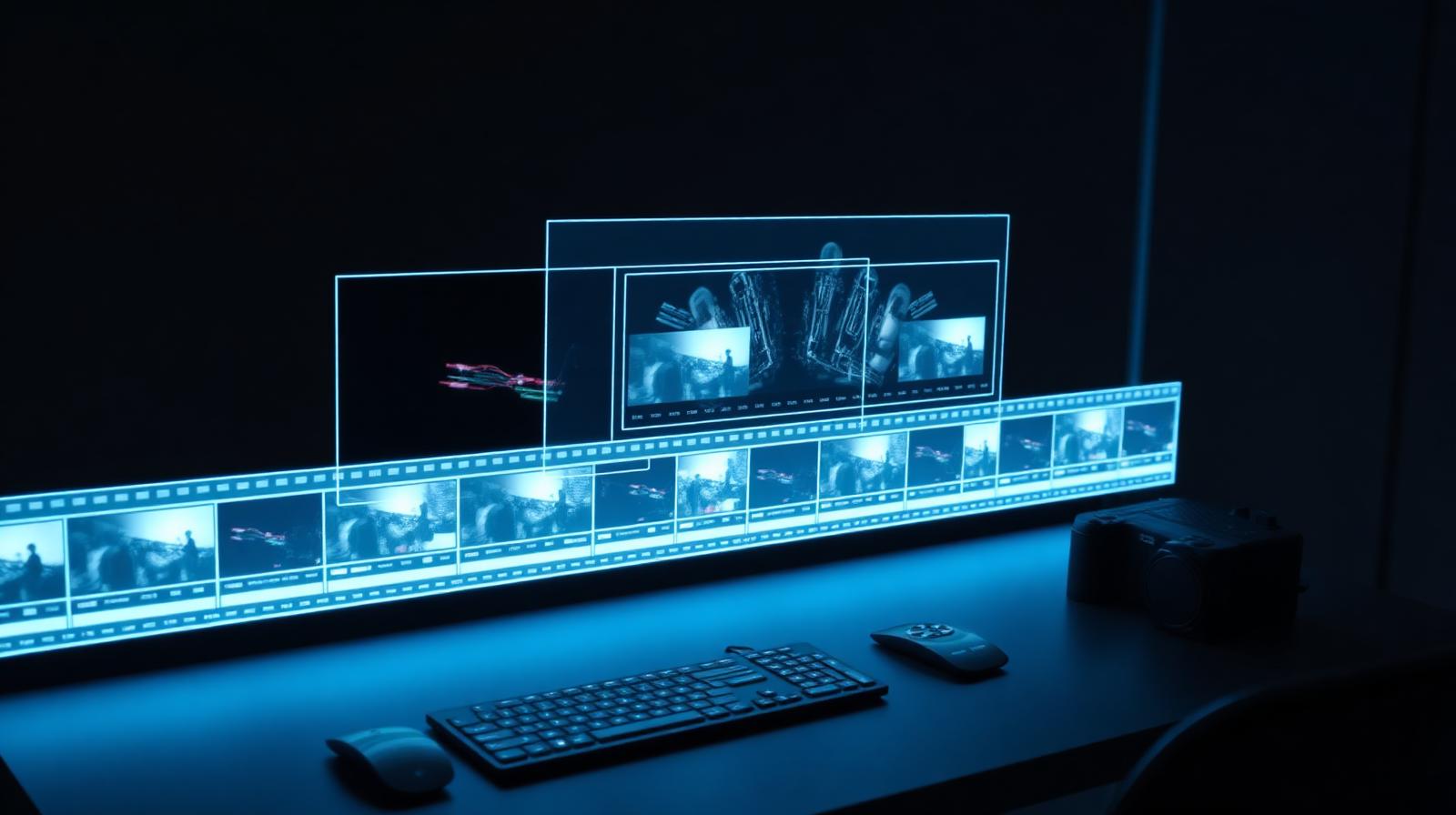
Step 5 — Cut in a real editor
Take the clean outputs into DaVinci Resolve, Premiere, or CapCut. Trim heads and tails, add a music bed, and grade everything to the same LUT. A consistent grade does more for "looks like a real film" than another 50 prompt iterations would.
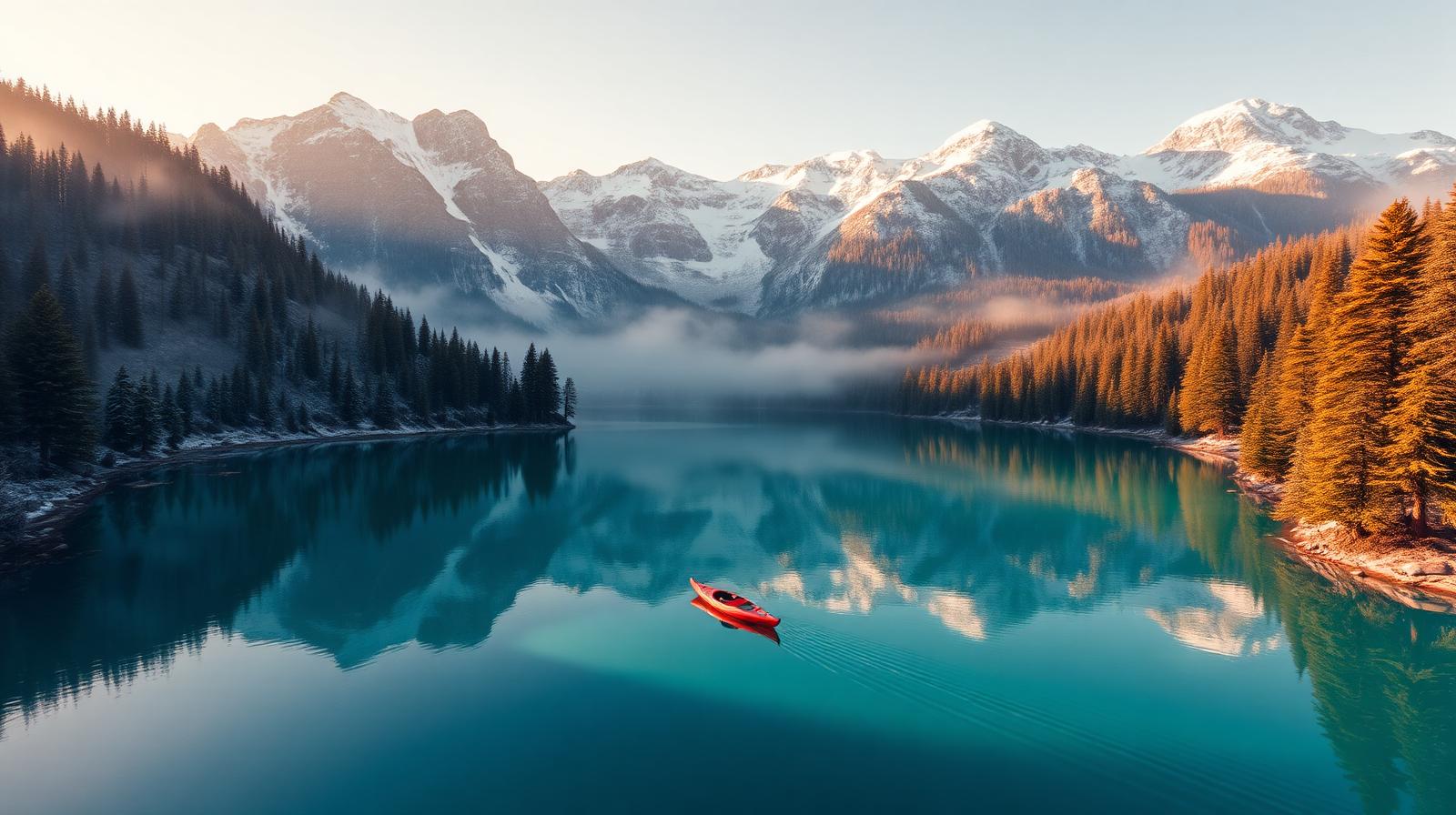
Aerial-style clips generate cleanly because the camera move is simple and predictable — start there if you are new to video models.
Three complete prompts you can steal today
Prompt 1 — Cinematic urban night (Sora 2)
Medium wide tracking shot of a young woman in a translucent yellow
raincoat walking across a wet neon-lit Shibuya crosswalk at 11pm,
smooth low tracking shot moving parallel with her, shot on ARRI
Alexa 35 with 35mm anamorphic lens at f/2.0, hard practical neon
backlight from signage, light rain catching the neons, teal and
magenta palette with deep blacks, Blade Runner 2049 aesthetic,
5-second clip, 2.39:1
Prompt 2 — Realistic product hero (Veo 3)
Extreme close-up of fresh espresso pouring into a matte black
ceramic cup on a wet stone counter, slow dolly-in toward the
crema forming on the surface, shot on Phase One IQ4 with 100mm
macro lens at f/5.6, soft north-facing window light from camera-
left, deep charcoal background, steam catching the rim light,
Kinfolk magazine aesthetic, 4-second clip, 1:1
Prompt 3 — Sweeping nature drone (Runway Gen-4)
High aerial drone shot pulling backwards over a single red kayak
gliding across a glassy turquoise alpine lake at golden hour,
slow ascending dolly-out revealing snow-capped peaks and pine
forest, shot on DJI Inspire 3 with 50mm equivalent, warm low-angle
sunlight from camera-right, soft morning haze, National Geographic
documentary aesthetic, 6-second clip, 16:9
For more cinematic phrasing across both stills and video, see our companion guide on the best cinematic AI prompts.
Sora vs Veo vs Runway vs Kling — when to use which
The 2026 video model landscape is no longer a single horse race. Each tool has a clear sweet spot.
| Model | Best at | Weak at | Use when | | --- | --- | --- | --- | | Sora 2 | Long coherent shots, dialogue scenes, character continuity | Fast motion, complex VFX | You need a film-style story moment | | Veo 3 | Photorealistic everyday scenes, native audio, product work | Stylized animation | You need something that looks "real" with sound | | Runway Gen-4 | Fast iteration, image-to-video, motion brush control | Complex multi-subject scenes | You already have a Midjourney still you love | | Kling 2.0 | Hyperreal humans, expressive faces, fashion | English-language nuance | Portrait, fashion, or beauty work | | Pika 2.1 | Stylized, illustrated, anime motion | Photoreal | Animated explainers and motion graphics |
A common pro workflow is to generate the opening still in Midjourney for full art-direction control, then animate it in Runway Gen-4 with motion brush, then upscale and add audio in Veo 3 or Topaz. Single-tool purism is leaving quality on the table.
Common mistakes that kill AI video prompts
We have audited hundreds of failed generations. The same handful of mistakes account for the vast majority of them.
- Cramming three actions into one shot — one shot, one action. Always.
- Asking for circling / orbiting camera moves — break dramatically and waste credits.
- Multiple human subjects with different clothes — continuity collapses; use one subject when possible.
- Vague time of day — say "cold blue dawn" or "warm golden hour", never "daytime".
- *The word cinematic by itself* — too overused in training data; name a real DP or film instead.
- Long camera moves in short clips — a 5-second clip cannot hold a 360° crane up. Match move to length.
- Reflective surfaces with people in them — mirror physics are still the model's kryptonite.
Pro tips most tutorials miss
- Generate at the model's native resolution, then upscale separately. Asking for 4K inside the prompt wastes inference time without improving quality. Use Topaz Video AI afterwards.
- Re-use the seed of any clip you liked. Most platforms now expose a seed field. Same seed + tweaked prompt = controlled variation instead of starting over.
- Lock motion intensity low for realism. Most tools have a 1–10 motion slider. Real cinematography lives at 2–4, not 8.
- Treat the first frame like a Midjourney prompt. If the start frame looks generic, the whole clip will. Spend extra effort on it.
- Write the audio prompt separately in Veo 3. Native audio is one of Veo 3's killer features in 2026, but it needs its own line:
audio: distant city traffic, soft rain on pavement, faint footsteps.
Callout: When you find a prompt that consistently produces strong results, save it as a template with a name (e.g. "URBAN_NIGHT_v3"). Treat your prompts the way developers treat reusable code. That single habit is what separates hobbyists from working AI filmmakers.
Use cases that are quietly making money in 2026
Beyond viral TikTok clips, here is where AI video is generating real revenue this year:
- Real estate listing reels — drone-style fly-throughs from a single listing photo
- E-commerce product hero loops — 4-second loops outperform stills on PDPs
- YouTube b-roll for faceless channels — entire history and finance channels are now 90% AI b-roll
- Music visualizers and album rollouts — independent artists can ship full music videos for under $50
- Ad creative testing — agencies generate 30 variants of a hook in an afternoon, then double down on the winner
- Local business social — restaurants, gyms, salons producing weekly cinematic shorts without hiring a crew
If you want a deeper dive into building a faceless video channel around this workflow, read our guide on how to grow on YouTube with AI.
Tools and references worth bookmarking
- The official OpenAI Sora system card — quietly updated when capabilities change
- Google DeepMind's Veo documentation — best source for Veo 3 parameter changes
- Runway's Academy — surprisingly excellent free tutorials, even if you do not use Runway
- The ASC Manual for genuine cinematography vocabulary — borrow the language, your prompts will improve overnight
Conclusion: prompts are the new lens choice
The creators winning AI video in 2026 are not the ones with the most credits or the earliest access. They are the ones who understood, earlier than everyone else, that prompting a video model is a craft, not a search query. They write like cinematographers. They build shot lists before they touch a tool. They re-use a world bible across every clip. They cut, grade and score in a real editor.
You do not need a film school degree to do any of that. You just need the formula in this guide and the discipline to ship one short clip every day for the next month. By the time the next generation of models drops, the people doing this work today will be the ones the industry hires to use them.
Bookmark this guide, build your own world bible, and head over to the PromptMint AI Prompt Generator to start turning your ideas into shot-ready video prompts.
Frequently asked questions
What is the best AI video generator in 2026?+
There is no single winner. Sora 2 leads for long coherent narrative shots and character continuity, Veo 3 leads for photorealistic everyday scenes with native audio, Runway Gen-4 leads for image-to-video and motion brush control, and Kling 2.0 leads for hyperreal humans and fashion. Most professionals combine two or three of them in a single project.
How long should an AI video prompt be?+
Aim for 40 to 90 words structured as: shot type, subject with one specific detail, action, environment, camera move, camera and lens, lighting, color palette, one reference style, then duration and aspect ratio. Shorter prompts go generic and longer prompts start contradicting themselves and confusing the model.
Why do my AI videos look wobbly or melty?+
Almost always one of three reasons: the camera move is too complex for the clip length, there are too many subjects with too many actions, or the prompt is missing a clear lighting source. Simplify to one subject, one action, one camera move and one named lighting setup, and most artifacts disappear.
Can I sell videos made with Sora, Veo or Runway?+
Yes. As of 2026 all three major commercial plans grant commercial usage rights for the videos you generate. Always check the current terms for your specific plan before licensing work to large brands, and avoid generating real identifiable people without permission.
Do I still need editing software if I use AI video tools?+
Absolutely. The biggest visual gap between amateur and pro AI video is not the generation step, it is the edit. Trimming, pacing, a consistent color grade and a music bed transform a folder of decent clips into a piece that holds attention. DaVinci Resolve is free and more than enough.
Is AI video content penalized by Google or YouTube?+
Neither platform penalizes AI video on its own. Both penalize low-effort, low-value content regardless of how it was made. AI video that delivers genuine information, story or entertainment ranks and monetizes the same as any other video in 2026.